Beater Meter
Speedometer and navigation
Do you drive a beater? I do — and the speedometer doesn't work. So I made this app, to know roughly how fast I'm going. Supports mph and km/h, AND driving on both sides of the road!
It's not as good as a real speedo, but it gets the job done well enough.
Speed and Your Next Turn, Together
Every maps app shows your speed. They all show it as a tiny badge in the corner, which is no use at all when your dashboard is dead and that badge is the only speedometer you have.
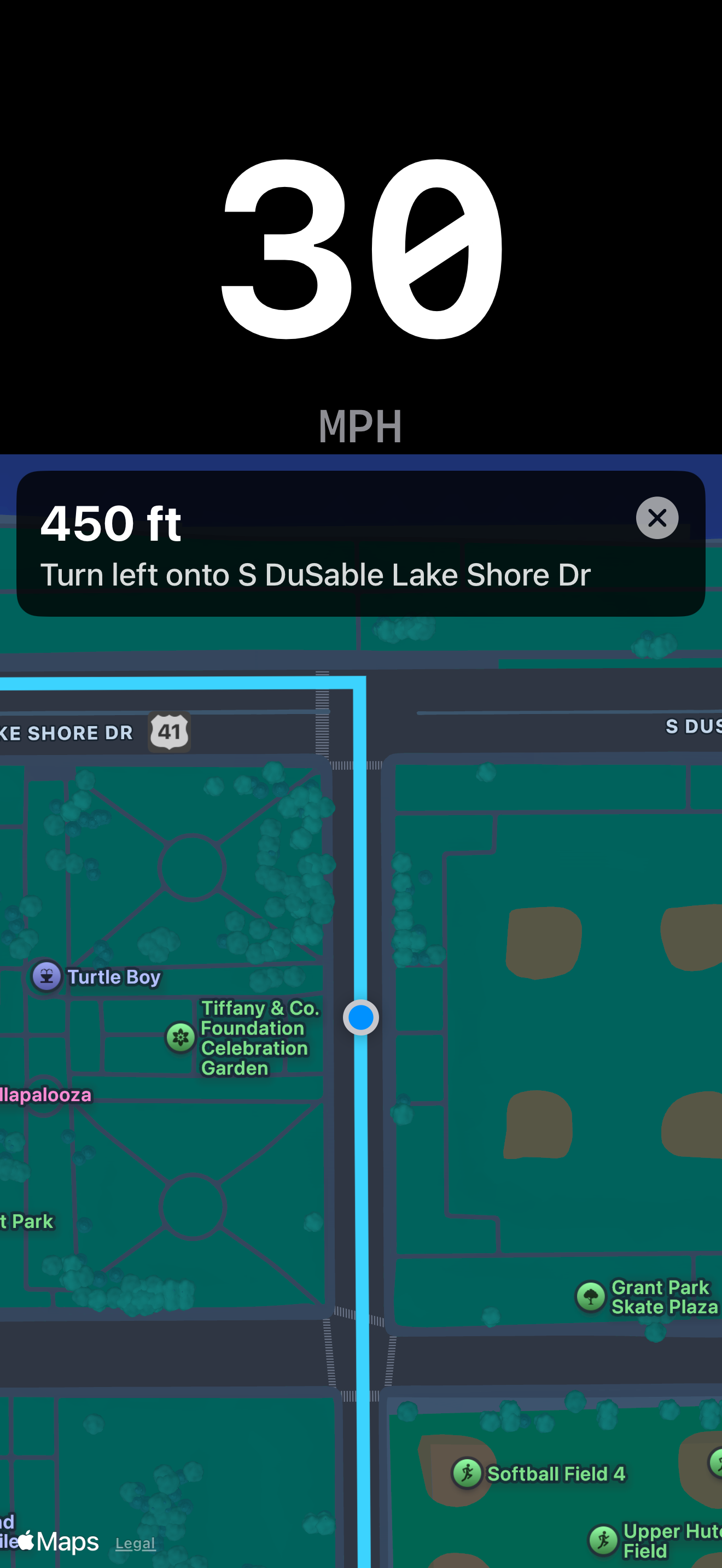
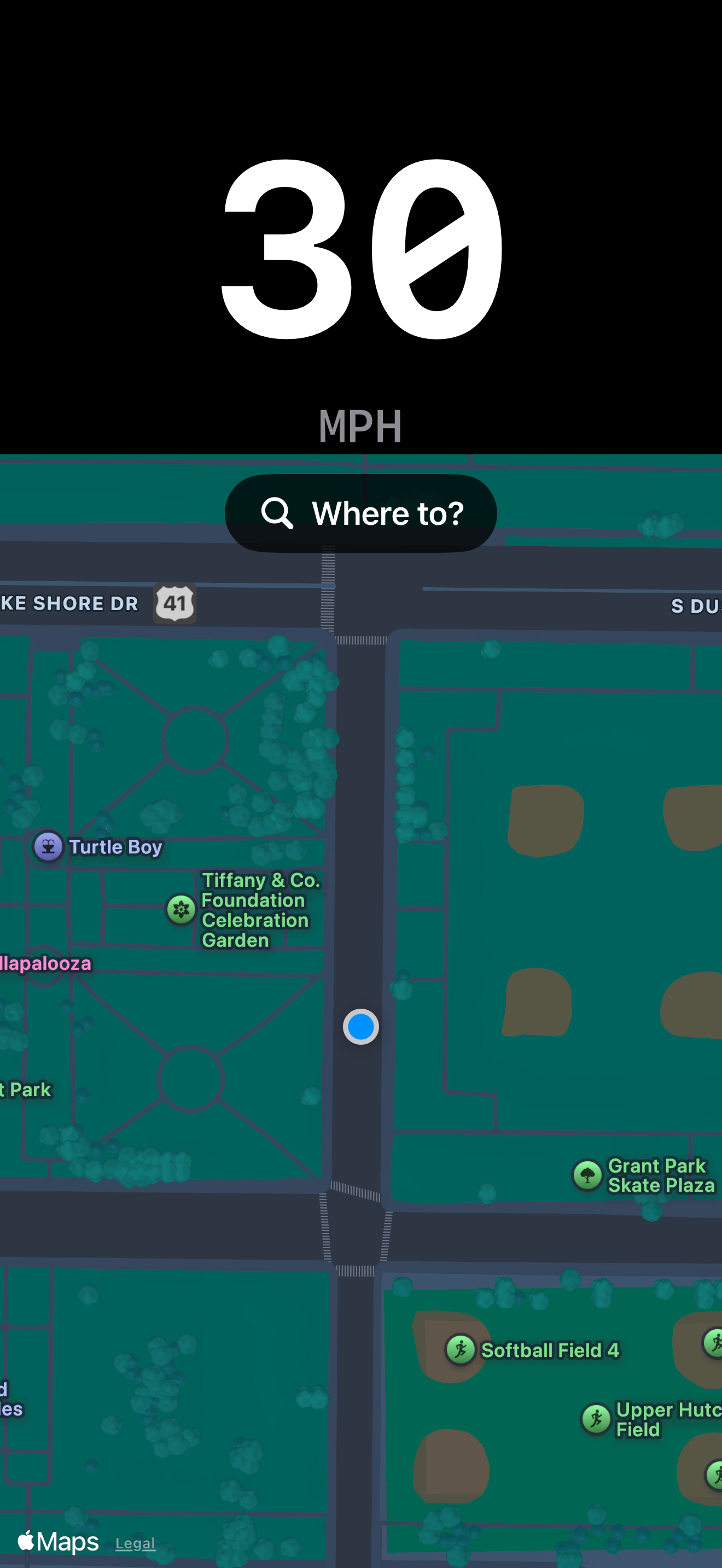
Beater Meter turns it around. The speed is the big thing on the screen, white on black in a monospaced typeface, and the map sits alongside it with your route and the distance to your next turn. One glance gets you both. Prop your phone on the dash and drive as slow as you want.
Color Tells You First
The digits turn amber above 65 mph and red above 80 mph. If you need this app, your car probably can't even go that fast, but it's the kind of feature that lets you sleep at night.
Features
Turn-by-Turn Directions
Search for somewhere and follow the route. The map points the way you are driving, and recalculates if you leave it.
Built to Be Glanced At
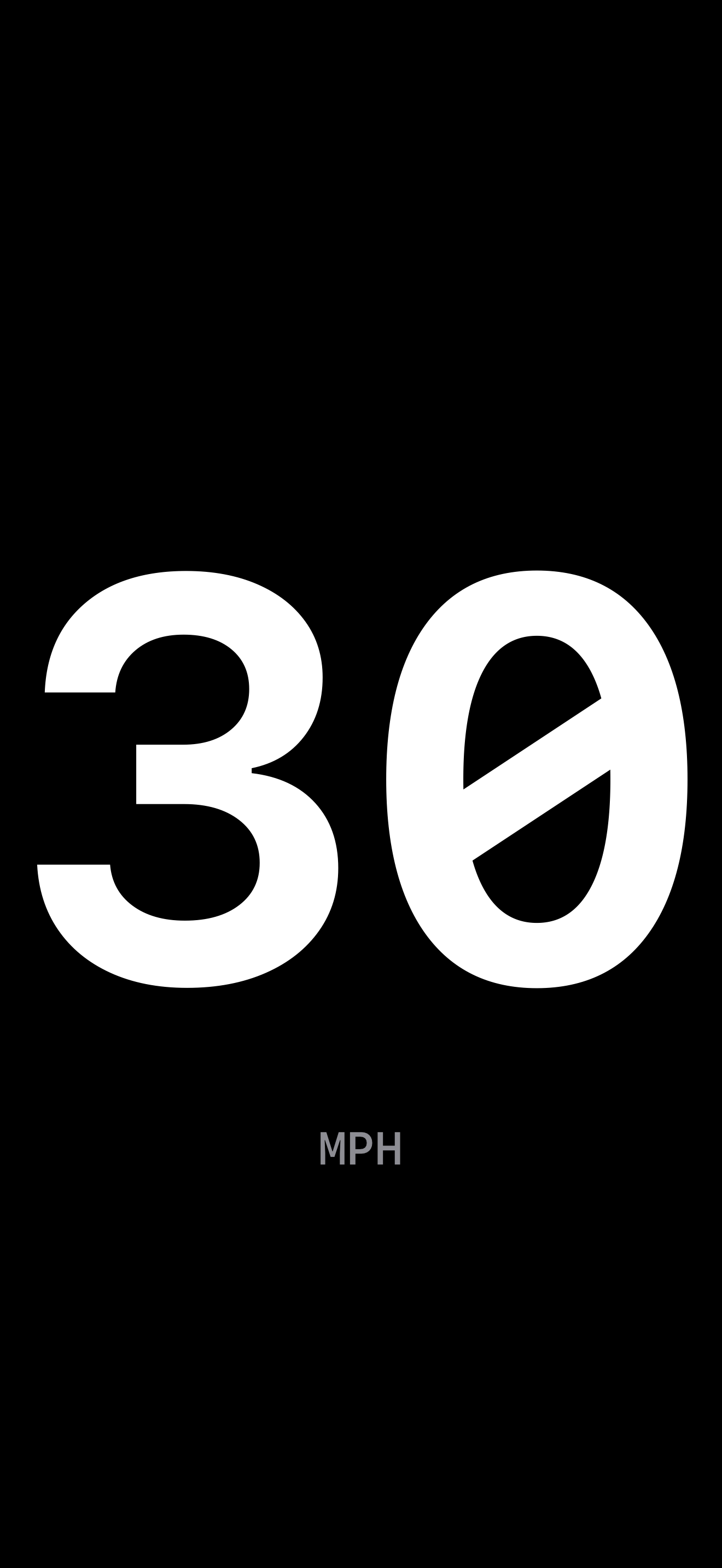
The speed is sized to fill the space it is given, in bold monospaced digits. No gauges, no gradients, no decoration.
Turns With Your Phone
Portrait stacks the speed above the map. Landscape puts them side by side, clear of the Dynamic Island.
mph or km/h
Tap the unit label to switch. That is the entire settings screen.
Color Cues
Amber above 65, red above 80 — a warning you feel rather than read.
No Night Glare
A pure black background so nothing reflects off your windshield after dark.
Map Off, If You Want
Tap the speed to hide the map and fill the screen with nothing but the number.
Stays Awake
The screen will not dim or lock while the app is open, so your speed is always there.
Steady at a Stop
Reads a solid 0 when you are stopped, instead of drifting a few mph the way raw GPS does.
Screenshots
Your Data Stays Put
Beater Meter has no accounts, no ads, no analytics, and no trackers. Your location is used on your device to compute your speed and follow the route, and never reaches us. Destination searches and route requests go to Apple Maps and nothing is saved. There is nothing to sign up for and nothing to opt out of.
Beater Meter uses GPS, so its reading is approximate and updates about once per second, and it needs a reasonable view of the sky. Directions come from Apple Maps and there is no live traffic rerouting, so it is a way to see your next turn without losing the speed, not a replacement for a dedicated navigation app. If your car's own speedometer works, trust that one first. Either way, obey posted speed limits, and set your destination before you start driving rather than while you're moving.
Built by Felcode, LLC in Ohio.